


Necessary
Required for website operation, security, the selected theme and storing your privacy choice.
Convert images in batches locally, with no uploads.
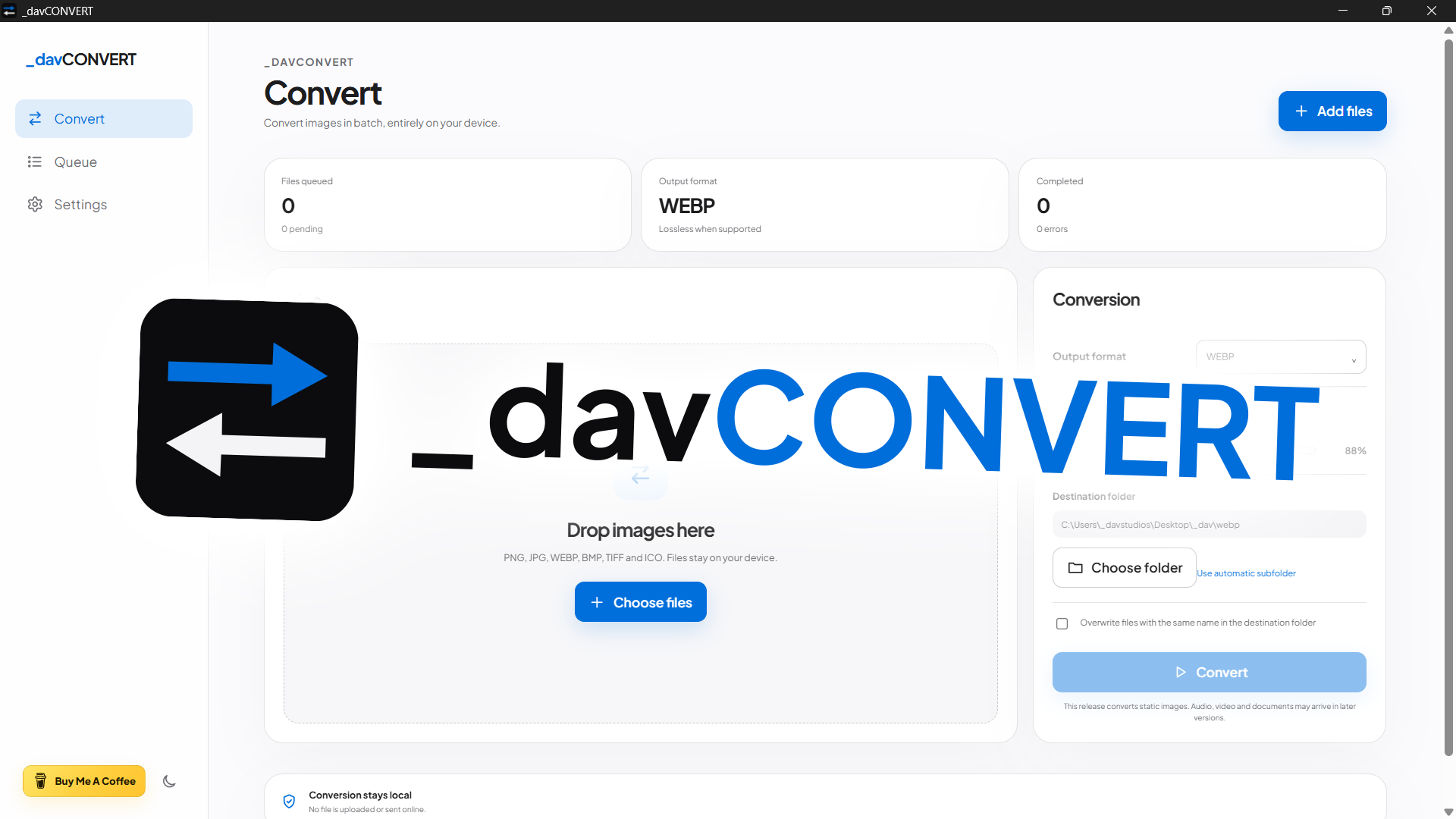
_davCONVERT is a cross-platform desktop converter for static images that works entirely on-device. Stable release 26.10.3 preserves the Rust engine and supported formats while aligning the experience with the _davstudios website through real transitions between Convert, Queue and Settings, radial theme reveal, reduced-motion support, no release number in the ordinary UI and a Windows build without a separate console.
Format conversion is a simple task, yet it is often delegated to web services that require uploads, waiting and unnecessary steps. _davCONVERT brings that workflow back to the device: add images, choose format and destination, and convert without accounts or remote processing.
The project deliberately keeps a clear scope: static images, batch processing and essential output controls. Audio, video and document conversion are not part of the current release. Version 26.10.3 does not change that scope: it normalizes the full package, extends version checks to package-lock.json and Cargo.lock, and adds a dedicated regression for Windows checkouts using CRLF line endings.
The app accepts PNG, JPG/JPEG, WebP, BMP, TIFF/TIF and ICO files and can export PNG, JPG, WebP, BMP, TIFF and ICO. Files can be added through drag and drop or the native picker; duplicate paths are ignored and the queue reports size, status, errors and per-file results.
Output can be written automatically to a _davCONVERT subfolder beside the source file or to a custom destination folder. When a filename already exists, the app creates an alternative name instead of overwriting it unless overwrite is explicitly enabled. JPG output includes a quality control ranging from 40% to 100%.
The current-session queue summarizes total files, completed items, errors, source bytes and generated output size. System/Light/Dark themes and Italian/English interfaces complete the workflow, while the actual conversion runs in the Rust backend through the image crate without relying on network services.

_davCONVERT 26.10.3 is a stable Windows, macOS and Linux release built with Tauri 2, Rust, JavaScript and Vite 8. Its scope remains deliberately focused on static images and processing continues entirely on-device, with no uploads or network services.
The GitHub pipeline publishes NSIS for Windows x64, a universal Intel + Apple Silicon DMG for macOS and AppImage/DEB for Linux. Version 26.10.3 keeps npm, package-lock, Tauri, Cargo and Cargo.lock synchronized, preserves studio.dav.convert, uses the Windows GUI subsystem and opens the output folder without creating an extra console; the release number is no longer shown in the ordinary interface.
I ran the supplied package test suite directly: 23/23 tests passed. Coverage includes the conversion engine and formats, local-first behavior, package/release metadata, the motion contract, Windows GUI and child-process no-console behavior, README/support wording, version synchronization, CRLF handling and release-number removal from the UI.