


Necessary
Required for website operation, security, the selected theme and storing your privacy choice.
Process images in batches entirely locally.
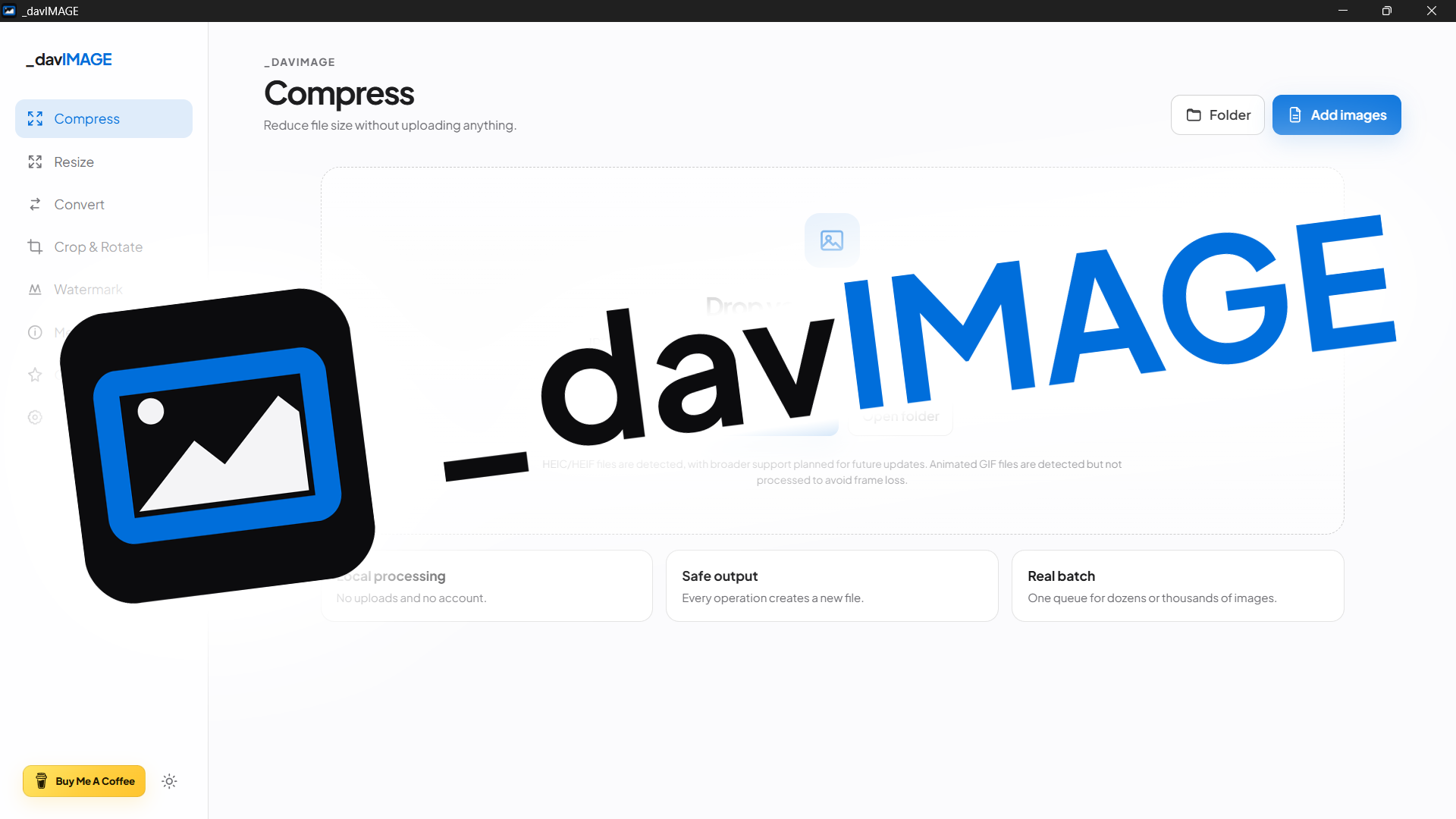
_davIMAGE is a cross-platform desktop toolbox for compressing, resizing, converting, cropping, rotating, watermarking and inspecting images without sending them online. Stable release 26.10.4 fully preserves the image engine while updating the experience with the _davstudios motion system, real transitions between tools and Settings, radial theme reveal, no release number in the ordinary UI and a Windows Release build without a separate CMD console.
Tasks such as compressing, resizing or converting images are often split across multiple web services, forcing files to be uploaded and the same workflow to be repeated several times. _davIMAGE brings these tools together in one local application with no account, ads, telemetry or image uploads.
The project follows a strict file-safety rule: the source must remain untouched. Every processing operation creates a new file with a descriptive suffix, and if that filename already exists, the app automatically generates a numbered variant instead of overwriting existing content. Version 26.10.4 fully preserves this behavior, completes deterministic normalization of repository text files and strengthens version-synchronization checks, including Windows checkouts that use CRLF line endings.
The queue accepts files and folders through native pickers or drag and drop. JPEG, PNG, WebP, AVIF and TIFF can be read and generated, while BMP is accepted as input. Animated GIF files are detected but intentionally not processed to avoid frame loss; HEIC and HEIF are detected, but full codec support is not bundled in the current release.
The tools cover several distinct workflows: compression works with JPEG, PNG, WebP, AVIF and TIFF; resizing can operate by width, height, exact dimensions, percentage, longest or shortest side, Fit and Fill, alongside Instagram, Full HD, 4K, Email, Avatar and Website presets. The editing module supports coordinate-based cropping and 90°, 180° or 270° rotations, while batch watermarking exposes image selection, opacity, scale and position controls.
The Metadata section performs read-only EXIF inspection for camera, lens, date, GPS, software, copyright, orientation and detected ICC profile information. The DAV Optimize for Web preset applies EXIF orientation, caps the longest side at 1920 px when needed and exports WebP at quality 82. Re-encoded images do not automatically copy EXIF metadata.
Output can be saved beside the original, inside a new _davIMAGE folder or in a custom destination. During a batch, the interface reports per-file status and results, allows the process to be cancelled and ends with a summary of original and generated sizes. System/Light/Dark themes and Italian/English interfaces complete the desktop workflow.

_davIMAGE 26.10.4 is a stable local-first release for Windows, macOS and Linux. Compression, resizing, conversion, crop/rotation, watermarking, metadata inspection, the batch queue and Optimize for Web remain on-device with safe outputs that never overwrite originals automatically.
The technical base uses Tauri 2, Rust, JavaScript, Vite 8, the image crate and kamadak-exif. Version 26.10.4 synchronizes npm, lockfiles, Tauri and Cargo, preserves studio.dav.image, normalizes the repository without changing icon artwork and limits behavior changes to the agreed UI/motion polish plus the Windows GUI subsystem; the image backend does not spawn external CLI helpers.
I ran the supplied package test suite directly: 27/27 tests passed, including a run with Cargo.lock physically converted to CRLF. Checks cover the image engine, safe outputs, the motion contract, release number removal from the ordinary UI, support wording, stable README, Windows GUI subsystem and release synchronization.