


Necessary
Required for website operation, security, the selected theme and storing your privacy choice.
Share files and folders over your local network via QR, without cloud storage.
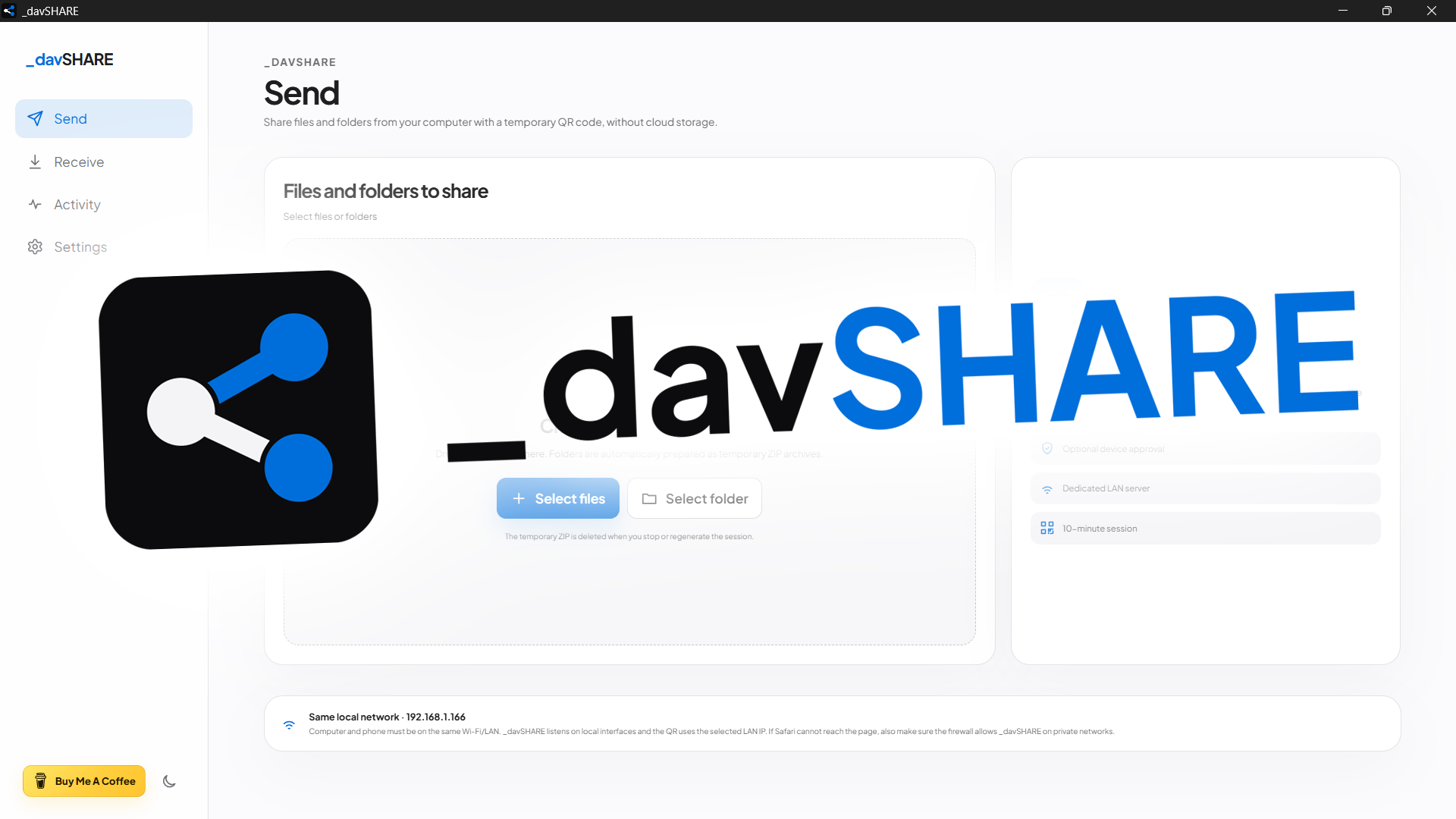
_davSHARE is a cross-platform desktop app for transferring files and folders between devices on the same LAN through QR sessions, without cloud storage or a required mobile app. Stable release 26.10.4 preserves the LAN server, send/receive flows, security, history and diagnostics while aligning motion and navigation with the _davstudios website, removing the release number from the ordinary UI and using the Windows GUI subsystem plus console-free network/folder helpers.
Moving a file quickly from a computer to a phone, or back again, often means relying on cloud services, accounts, public links or dedicated apps on both devices. _davSHARE reduces the workflow to a local network, a temporary QR code and an explicit choice of what to send or where received files should go.
The desktop remains the control point for the session. In Send mode, files or folders are selected and downloaded by the mobile browser over the LAN; in Receive mode, the browser becomes the sender and uploads directly into the folder chosen on the computer. The same application therefore handles both directions without APKs, IPAs or account-based pairing.
Each session generates a random token, QR code and URL such as http://LOCAL-IP:PORT/s/TOKEN entirely on-device. Sessions expire automatically after 10 minutes and the HTTP server handles concurrent requests, allowing multiple transfers within the same session. Stopping or regenerating a session invalidates the token and interrupts active streams as well; the mobile page receives the closed-session state almost in real time.
For sending, files and folders can be added through native pickers or drag and drop. Folders are prepared as temporary ZIP archives in the system temp directory, symlinks are ignored, and those archives are removed when the session is replaced, stopped or expires. Downloads and uploads expose real byte-level progress on the desktop, including percentage, average transfer rate and estimated time remaining.
Receiving supports a configurable per-file limit of 1, 5, 10, 25 or 100 GB, checks available disk space before writing, normalizes unsafe names and paths and deletes incomplete uploads. Device approval is optional — and enabled by default — with Accept/Reject controls on the desktop before the transfer interface is exposed to that client.
Session access is also restricted to the same IPv4 LAN subnet. Settings let the user choose which local IP is published in the QR code and run built-in diagnostics for the bound IP, port, detected interfaces and a network self-test. Local history keeps the latest 50 transfers as metadata only, while both the desktop UI and browser page support Italian and English.

_davSHARE 26.10.4 is a stable local-first release for Windows, macOS and Linux: content stays on the local network, sessions use tokens and expiration, and mobile devices can participate directly from the browser. Bidirectional upload/download, temporary ZIPs for folders, limits, free-space checks, device approval and path protection remain unchanged.
Version 26.10.4 keeps npm, package-lock, Tauri, Cargo and Cargo.lock synchronized, preserves studio.dav.share and leaves the server logic intact. Changes focus on experience and packaging: motion, transitions between Send, Receive, Activity and Settings, theme reveal, support wording, release-number removal from the UI and console-free Windows app/internal helpers.
I ran the supplied package test suite directly: 66/66 tests passed. Coverage includes transfers, token expiry, concurrency, progress, session stop, approval, ZIPs, free-space/upload limits, path safety, history, diagnostics/LAN IP, the mobile page, motion, Windows GUI/helpers and version sync/CRLF.