


Necessary
Required for website operation, security, the selected theme and storing your privacy choice.
Uninstall applications and clean leftovers with safety checks.
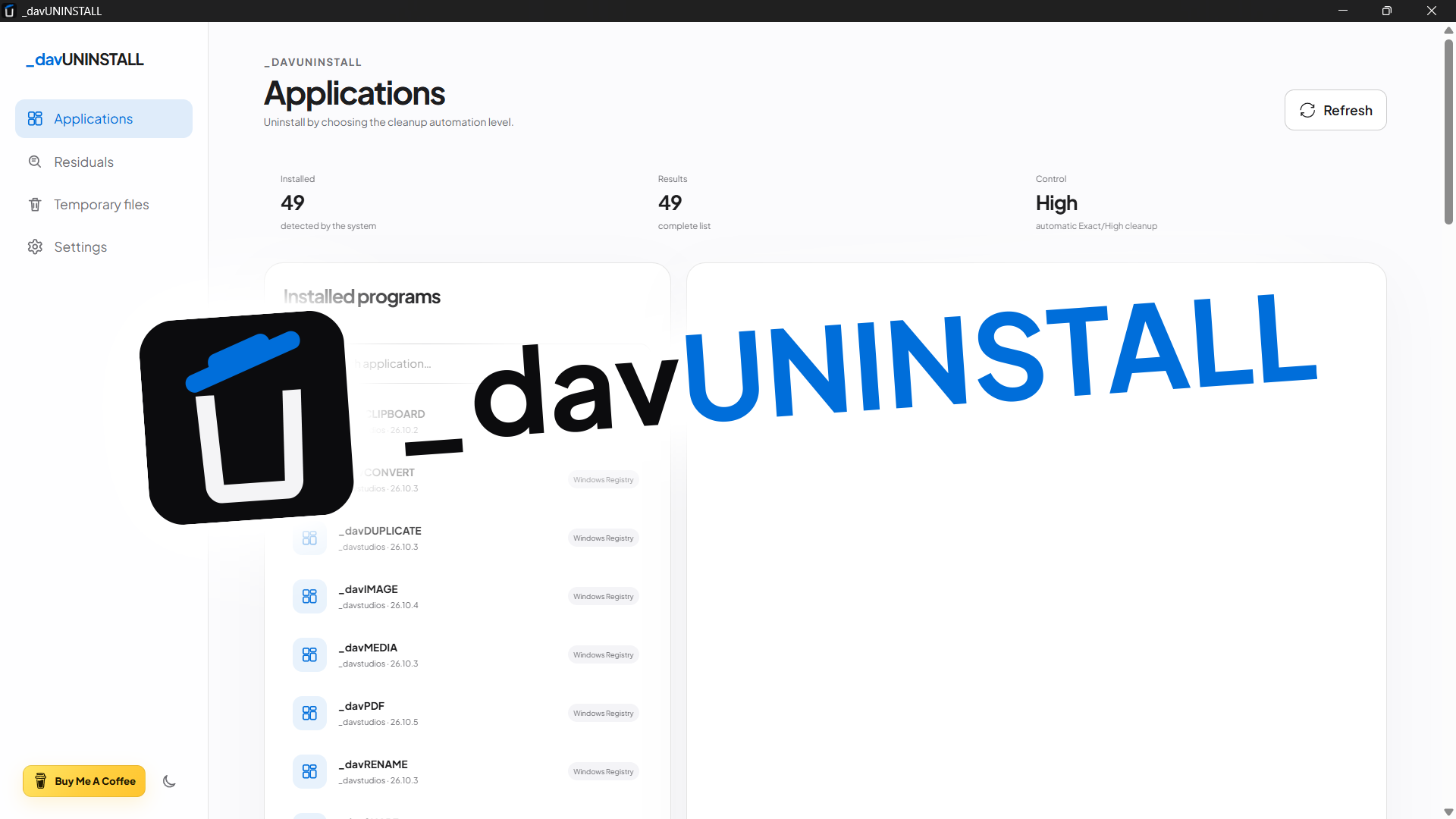
_davUNINSTALL is a Windows-first uninstaller and leftover analyzer with inventory, official uninstall flow, Low/Medium/High modes, deep scanning, Registry backup, cleanup and final verification; macOS and Linux intentionally remain conservative. Stable release 26.10.3 preserves the safety logic while updating motion and navigation to _davstudios, removing the release number from the ordinary UI and hiding both the app console and internal PowerShell/reg.exe helper consoles on Windows.
Uninstalling an application does not always end with removing its main entry: folders, settings, shortcuts and Registry references can remain behind. _davUNINSTALL was designed to make that second phase visible without turning it into aggressive cleanup based on little more than name similarity.
The project explicitly separates the application's official uninstaller from residual analysis. Users can decide how much of the workflow to automate through three removal-control levels — Low, Medium and High — while the backend remains responsible for classification, whitelisting and revalidating every item that can actually become eligible for removal.
On Windows, the inventory is built from Registry Uninstall entries and exposes name, version, publisher, path and the registered command. The launcher also handles quoted UninstallString paths, environment variables, MSI and UAC elevation when required. Low mode starts only the official uninstaller; Medium lets the user run a residual scan afterwards and manually choose what to remove.
High mode automates the protected workflow without widening the safety criteria: it requires two explicit confirmations, waits for the real uninstaller process to exit, performs a post-uninstall deep scan and automatically selects only Exact or High-confidence candidates. Weak matches, shared directories and ambiguous items are never removed automatically.
Deep scanning searches for product-attributable traces across known software locations, user folders, Start-menu locations and the Registry, combining application name, publisher, install path and GUID/Product Code as signals. A forced scan is also available for software that has already disappeared from the installed-app inventory. Symbolic links and reparse points are excluded from destructive operations, and IDs supplied by the frontend cannot be turned into arbitrary filesystem paths.
Before Registry changes, _davUNINSTALL exports the affected keys to .reg files and writes a local operation manifest. Immediately before cleanup, the backend scans again to revalidate the whitelist; afterwards it verifies what was actually removed, what was already absent, what was skipped, any errors and any remaining items. Files and folders are moved to the Windows Recycle Bin when possible. TEMP cleanup is a separate Windows-only tool, restricted to the current user's temporary directory with 7, 14 or 30-day thresholds that also consider the newest content inside directories.
On macOS the app detects .app bundles in /Applications and ~/Applications; on Linux it detects dpkg packages and Flatpak applications when those tools are available. On both platforms, 26.10.3 keeps residual analysis conservative and leaves deep automatic removal and generalized temporary-file cleanup disabled until those flows can be validated with the same safety standard as the Windows backend.

_davUNINSTALL 26.10.3 is a stable Windows-first release built with Tauri 2, Rust, JavaScript, Vite 8 and walkdir. Installed-app data, paths, Registry keys and scan results stay on-device; macOS and Linux detection remains conservative and does not enable automatic deep removal.
Version 26.10.3 keeps npm, package-lock, Tauri, Cargo and Cargo.lock synchronized and preserves studio.dav.uninstall. The uninstall engine, revalidation, .reg backups, High mode and TEMP cleanup remain unchanged; updates instead cover motion/page transitions, theme reveal, support wording, release-number removal from the UI and Windows no-console behavior for the app and internal helpers, without hiding the real uninstaller UI/UAC.
I ran the supplied package test suite directly: 59/59 tests passed, and the same suite also passes with Cargo.lock using CRLF line endings. Coverage includes Low/Medium/High flows, scanning and cleanup, Registry/TEMP safety, motion, Windows GUI/CREATE_NO_WINDOW, metadata, version sync, bilingual releases and the UI-without-version contract.