


Necessary
Required for website operation, security, the selected theme and storing your privacy choice.
Fast, predictable and safe bulk file renaming.
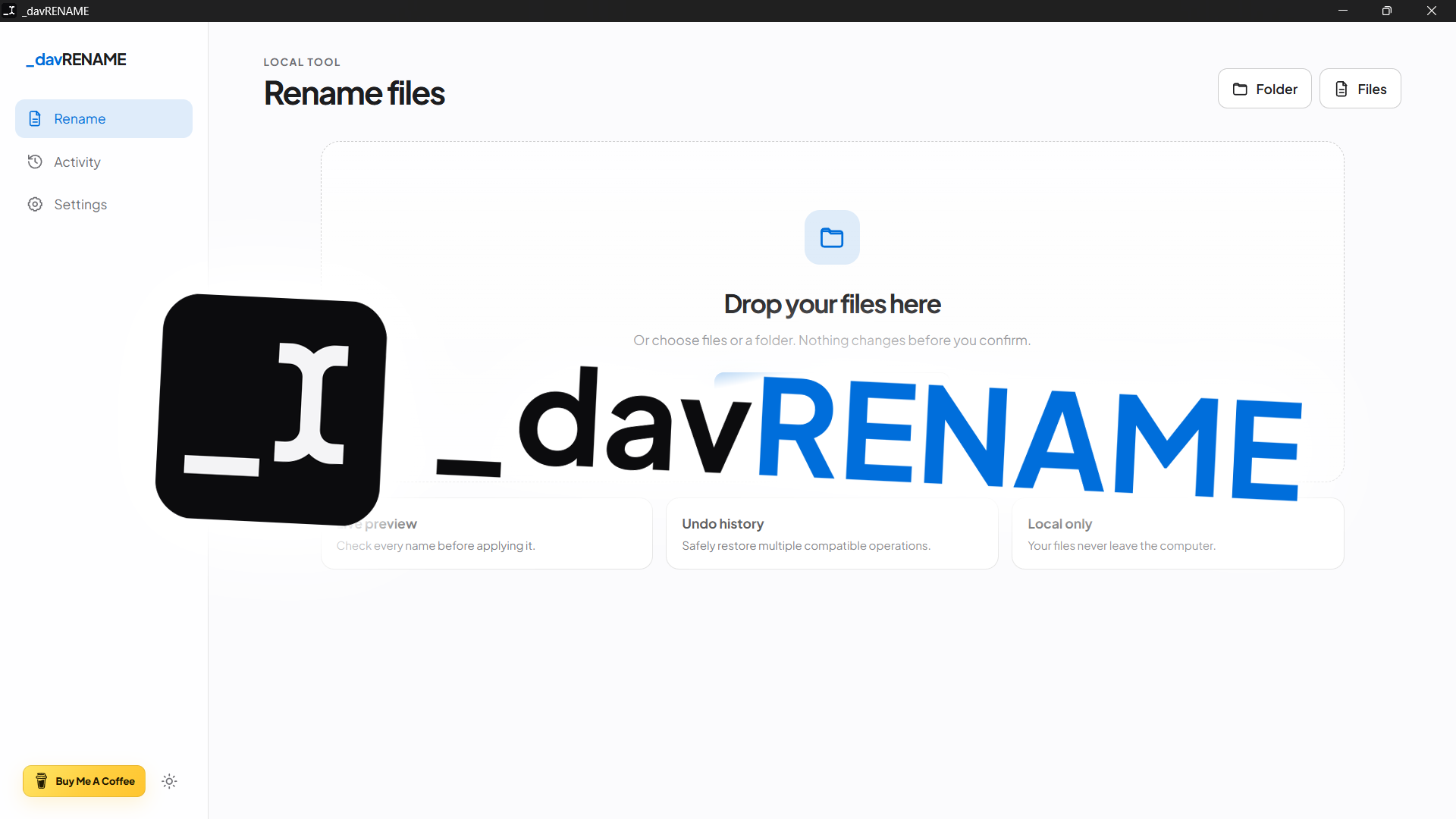
_davRENAME is a cross-platform desktop app for batch-renaming files and collections with previews, composable rules, presets, filters, dry runs and Undo. Stable release 26.10.3 preserves the rename engine while aligning the interface with the _davstudios motion system through real transitions between Rename, Activity and Settings, radial theme reveal, reduced-motion support, no release number in the ordinary UI and a Windows Release build without a separate CMD window.
Renaming many files manually is repetitive work where one small mistake can create inconsistent names or collisions that are tedious to repair. _davRENAME separates the design of a rename from its execution: rules are built and the result is reviewed first, and the operation is only confirmed afterwards.
The workflow starts with files and folders selected natively or dropped into the app, continues through composable rules and a complete preview, and only performs the rename after validation. Folders can be scanned recursively without following symlinks, while the workspace can be filtered quickly by extension or source folder.
The rule engine includes Find & Replace, regular expressions, prefixes and suffixes, sequential numbering, uppercase/lowercase/Title Case, character removal, whitespace cleanup and templates using {name}, {ext}, {counter}, {date}, {created}, {modified} and {exif}. Dates can come from filesystem metadata or EXIF DateTimeOriginal for supported images. Changing an extension deliberately remains a filename operation and is not presented as file-format conversion.
Version 1.1 adds built-in presets and savable custom presets, quick filters by extension and folder, CSV export of the dry run and multi-level Undo from the local history. When the user renames only a filtered subset, files outside that filter remain in the current workspace so the wider session context is preserved.
Safety is also enforced by the Rust backend: filenames are validated according to the target operating system, collisions are detected before execution and operations are validated again before touching the files. Renaming runs in two stages through unique temporary names, which makes swaps such as A.txt → B.txt and B.txt → A.txt possible; if a transaction fails, the backend attempts to roll back files that were already moved.
The interface is available in Italian and English, provides System, Light and Dark themes, follows the _davstudios motion system and respects prefers-reduced-motion. The release number is no longer shown in the ordinary UI and remains in technical manifests and GitHub Releases.
Version 26.10.3 performs a complete, functionally neutral normalization of the whole package, synchronizes the version across package.json, package-lock.json, Tauri configuration, Cargo.toml and Cargo.lock, and extends automated checks to both lockfiles. Cargo.lock parsing remains robust on Windows checkouts with CRLF line endings; GitHub Actions validates every manifest before building, while icon assets are associated with the current release without visual changes and preserve their original pixels.

_davRENAME 26.10.3 is a stable local-first release for Windows, macOS and Linux. It requires no account, uploads no files to the cloud and includes no built-in telemetry: filenames, paths and rename data remain on the user's computer.
The technical base uses Tauri 2, Rust, JavaScript, Vite 8 and kamadak-exif. Release 26.10.3 keeps package.json, package-lock.json, Tauri, Cargo.toml and Cargo.lock synchronized, preserves the studio.dav.rename identifier, uses the Windows GUI subsystem and aligns easing, reveals, stagger, page transitions and theme changes with the _davstudios reference; the release number remains in technical manifests and GitHub Releases rather than the ordinary interface.
I ran the supplied package test suite directly: 28/28 tests passed. Coverage includes the rename engine, localized history, workspace utilities, package metadata and bilingual releases, version/CRLF synchronization, icon-set integrity, the motion contract, Windows no-console behavior and removal of the release number from the ordinary UI.